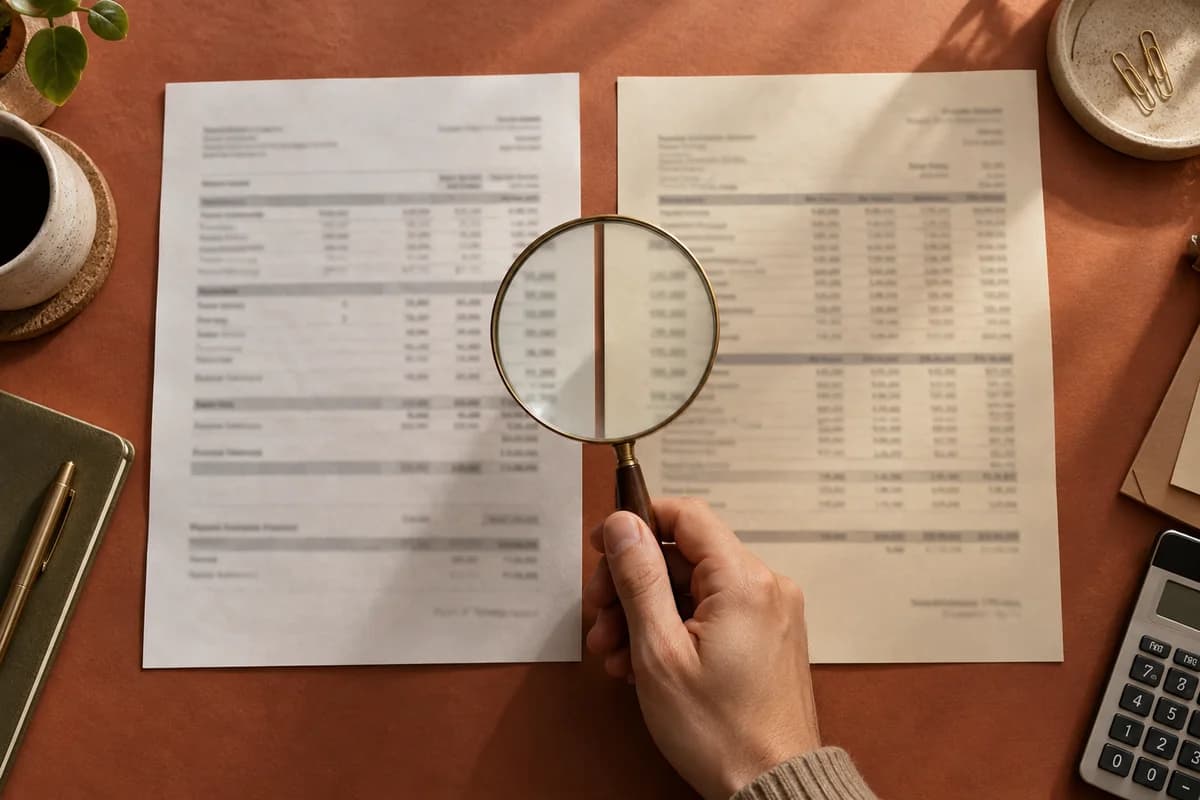
The contract extension is signed through October 23. The file is scheduled to close October 30. Clara finds that one-week gap while reviewing the submission package in our illustrated contract-extension example.
The people, documents and dates in the film are fictional. It shows the work from finding the mismatch through filing a new executed copy, with the loan officer directing what happens next.
Put the two dates in the question
Clara sends the loan officer the extension’s end date, the scheduled closing date and the page supporting the question. She asks whether there is a newer executed copy.
The loan officer replies that the agent is getting it signed. He tells Clara to follow up with the agent and hold submission until the document arrives.
That instruction determines the next action in this example. Clara keeps the submission on hold and asks the buyer’s agent for the executed extension. The file already contains a signed document; the request concerns a newer copy that extends through the scheduled closing date.
Check what changed in the returned copy
Two days later in the fictional sequence, the executed extension arrives. Its new end date is November 6, after the October 30 scheduled closing. Clara checks the date and both signatures against the request, files it with the contract and updates the package.
Clara then tells the loan officer that the executed extension is filed and the package is ready for review. The film ends there. It does not show a lender submission or a completed closing.